









































Zinnes+ on your phone and computer
Get the Zinnes+ app
Your comics, manga, webtoons and novels one tap away, with offline reading, new-chapter alerts and full screen. It takes up almost no space.
- Free
- Updates itself
- Offline reading
- New-chapter alerts

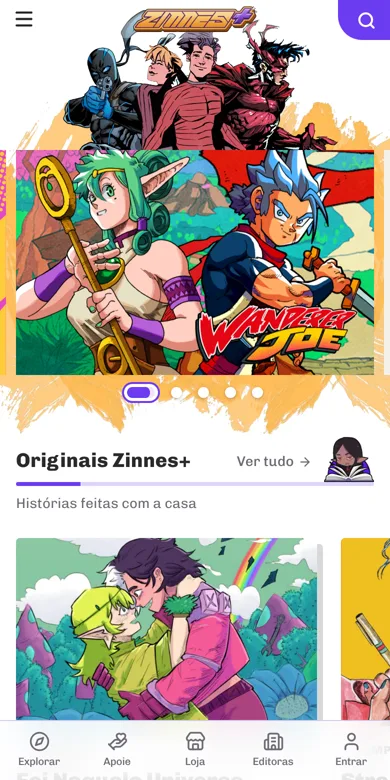

How to install
Pick your device. It takes less than a minute.
Android
Chrome, Samsung Internet or Edge.
- Tap Install the app at the top of this page.
- Confirm with Install.
- Done: Zinnes+ is on your home screen.
iPhone and iPad
Use Safari.
- Tap Share in Safari's toolbar.
- Choose Add to Home Screen.
- Tap Add. To get alerts, open it from the icon.
Computer
Windows, Mac or Chromebook, in Chrome or Edge.
- Click Install the app at the top of this page.
- Confirm with Install.
- Zinnes+ opens in its own window and stays in your Start menu.
Is it free? Do I need to pay to use the app?
The app is free. It's the same Zinnes+ as the website, with your account, your library and your subscriptions.
Does it take a lot of space?
Almost none. Only the chapters you download to read offline take more.
How do I update it?
You don't need to: the app updates itself whenever Zinnes+ changes.